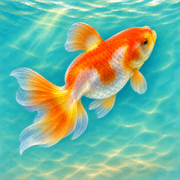
Bring your own goldfish
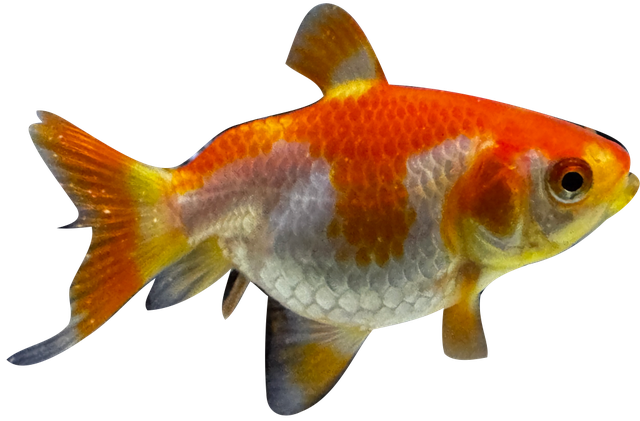
Choose a side-on photo of your goldfish. The app cuts out the fish, and it swims with the pattern from your photo, tail swaying. Add a photo of the same fish from the other side to see it in 3D, with each side showing its own pattern.
No photo? Start with the red-and-white goldfish that comes with the app, and give it a name.
If the background is busy, the app may have trouble cutting out your fish.
Daily care
Tap anywhere in the tank to drop food there. Your goldfish chases the food and eats it. You can also use the Feed button. Tap Clean to clear the water.
Without care, your goldfish gets hungry and swims more slowly, and the water turns cloudy. After a few days, moss starts to grow on the glass.
Your goldfish never dies, and you never lose coins or items. However long you’ve been away, feeding your fish and cleaning the water will bring the tank back.
Decorate the tank
When caring for your fish brings Happiness to 100%, you earn coins once a day. Spend them on decorations from four collections: Brook, Shady Pond, Japanese Garden and Moonlit Water.


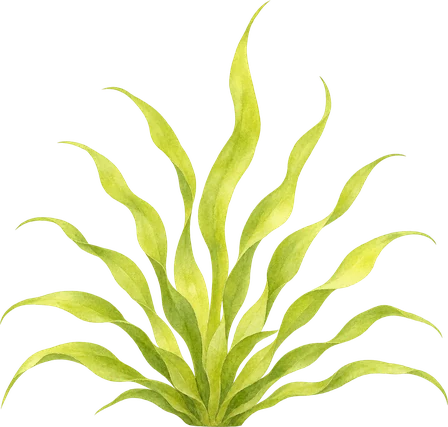

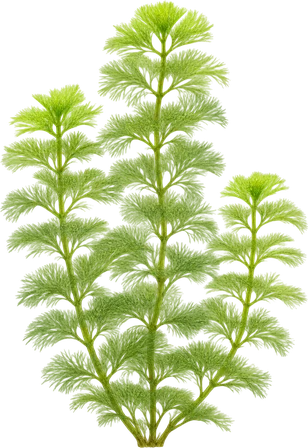



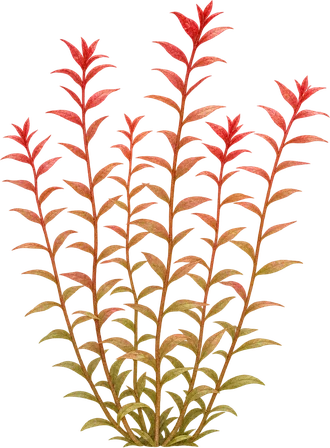
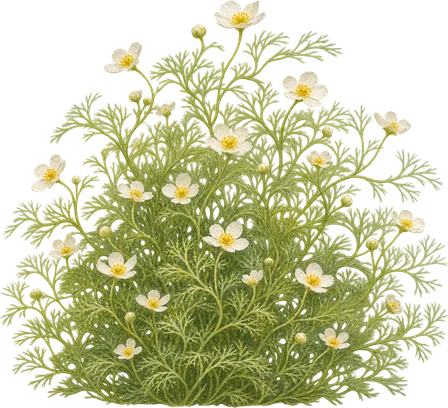
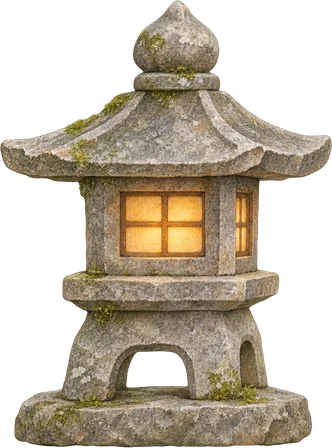

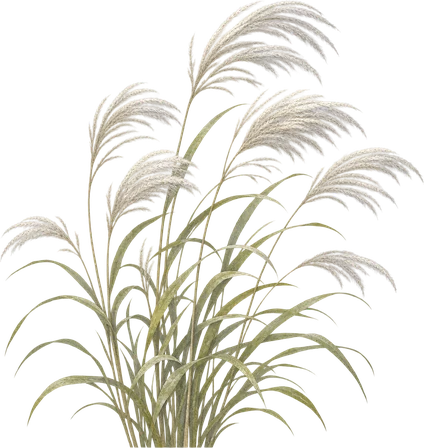
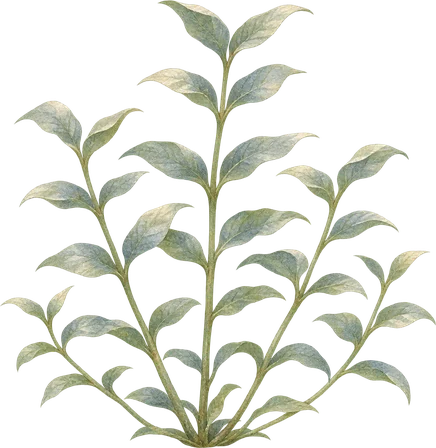


Choose Back, Middle or Front for each decoration. Your goldfish swims in front of plants placed at the back and behind plants placed at the front.
Kingyo Window on your home screen
On iPhone and Android, the Kingyo Window widget shows a still picture of your tank on your home screen, along with your goldfish’s name and breed. Tap it to open the tank.
Contact
Questions or found a bug? You can reach me by email.
habvex.tech@gmail.com